Compare templates and custom websites through customer journeys, content editing, languages, and integrations, then test the preview before deciding.
A template can look almost perfect while missing the booking workflow your business needs. A custom project can also be unnecessary when the requirement is a clear set of service pages and a straightforward enquiry form. Start with the work the website must do for customers and your team. Appearance matters, alongside content, functionality, and day-to-day management.
When a template is a useful starting point
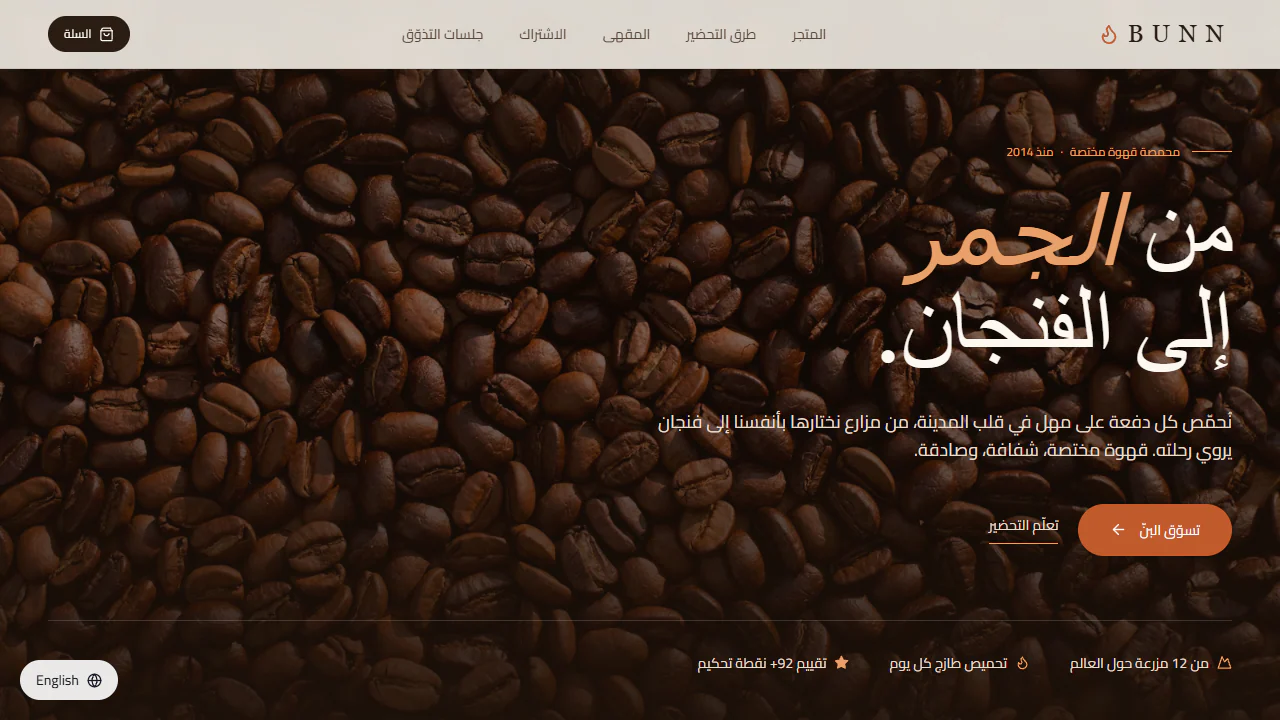
A template fits when its structure supports the main customer journey. A coffee business, for example, may need to explain product differences, show useful photographs, and offer the agreed contact or purchasing route. If the required sections already exist and can accommodate real content, the preview gives everyone a concrete starting point.
Separate the preview from the agreed deliverable. A button in a screenshot does not prove that booking or payment is connected. Ask which features function already, which require additional implementation, and who operates any external service. Test the layout with your longest service name, an actual photograph, and a realistic amount of copy.

When custom development becomes useful
Custom work becomes relevant when the underlying process differs: a quotation needs multiple approvals, pricing depends on several inputs, language versions require different content structures, or an existing business system needs a specific integration. Describe that process before discussing visual changes. Rearranging sections does not resolve a missing business workflow.
- If most changes involve copy, photographs, colors, or existing section order, investigate the template option.
- If success depends on a function absent from the preview, request a demonstration or a clear implementation description.
- If most of the structure would be replaced, compare that effort with building an appropriate structure from the start.
- If requirements remain uncertain, prepare a website project brief before comparing proposals.
Test it as both a visitor and an editor
Use a phone to follow an entire journey: open navigation, locate a service, read its details, and attempt the intended action. Repeat in each required language. Then ask how your team would add a service, update a price, or replace an image after handover.
Try keyboard navigation and enlarged text, and inspect form labels. W3C's Easy Checks provides initial accessibility checks, while explaining that these do not constitute a complete assessment. Record specific obstacles so the team can address the behavior that matters.
Compare ongoing responsibilities
Compare proposals with the same pages, languages, content preparation, integrations, training, and agreed support. Ask which external services require renewal and who manages them. Payment structure is a separate decision; the purchase, installments, and rental guide helps identify the questions to ask about written terms.
Neither a template label nor a custom label proves performance. Evaluate the pages with realistic content and integrations. web.dev explains that third-party scripts can affect performance, so ask what each chat tool, tracker, or embedded service contributes before adding it.
Make the decision with three questions
Does the structure support the customer journey? Can your team manage the content that changes? Does the proposal explain additional work and ongoing responsibilities? If all three answers are clear, the template may fit. If an essential workflow remains missing, discuss custom work. Compare Barmijly's templates against your brief, or include that brief in a custom website request.